Freer computers that are easier to master on a daily basis

Ubiquitous, but often invisible digital technology
On a daily basis, we use computers, smartphones and online services without always questioning how they work. We exchange messages, store data, consume content, or work remotely. Everything seems fluid and immediate.
Yet, behind this apparent simplicity, digital infrastructures are based on both free and open technologies, and on closed proprietary solutions. Servers, storage platforms, messaging systems, and many devices combine these two approaches, sometimes interacting, sometimes competing.
In short, these two models coexist and together form the basis of global digital functioning.
The paradox lies in the fact that, for many users, these technical choices remain invisible. The device is perceived as a simple interface, without awareness of the software foundations that support it.
Two philosophies of digital user
On the one hand, some systems offer a highly guided installation and a closed but ready-to-use environment. The objective is to get to grips with it quickly, with predefined settings and a close integration of services, very often supervised.
In this approach, the user is often prompted to create an account and enroll in an ecosystem of services to fully access the features. The whole thing is based on a centralized logic, where services, updates and part of the uses are structured around the same provider, often the owner of the said software.
On the other hand, free systems offer a different approach. The user can choose their environment, their tools and how their system evolves over time. Installation can be simple depending on the distributions chosen, without any special technical skills, and without complex configuration required. The emphasis is on control, flexibility and the possibility of developing your system over the long term.
Invisible digital technology...
Deux logiques, un seul choix?
Logiciels libres et propriétaires : deux logiques différentes
Dans la pratique, les logiciels libres s’inscrivent souvent dans une logique de développement et de collaboration ouverte et gratuite, tandis que les logiciels propriétaires suivent davantage une logique de produit, de services intégrés et de modèle économique centralisé, parfois assez coûteux.
Ces deux approches coexistent aujourd’hui dans la majorité des environnements professionnels, chacune ayant ses avantages et ses inconvénients selon les contextes.
Des systèmes libres déjà omniprésents, mais peu perçus comme un choix
Les systèmes libres ne sont ni marginaux ni expérimentaux. Ils sont largement utilisés dans les infrastructures numériques mondiales.
Ils sont présents dans une très grande proportion de serveurs Internet, de services cloud, de systèmes industriels, de nombreux appareils connectés, des smartphones, des box internet, des TV etc.
Les solutions propriétaires, quant à elles, dominent encore largement le marché grand public, en particulier sur les ordinateurs personnels, ou elles sont déjà installées ou préinstallées lors de l’achat.
Cette différence de distribution constitue un frein majeur. Pour utiliser un système libre sur un ordinateur, l’utilisateur doit généralement le rechercher, le télécharger, l’installer. Même lorsque cette opération est devenue relativement simple, elle demande une démarche volontaire que la majorité des utilisateurs n’effectue pas. Le choix ne repose donc pas uniquement sur les qualités techniques de chaque solution. Il dépend aussi de leur disponibilité immédiate.
A choice based on mastery
We use both free software and some proprietary software as needed. The goal is not to choose a side, but to select the right tools for each purpose. What matters in the end is their efficiency and their integration into our way of working.
In our photography business, we have chosen to use free systems for simple concrete reasons: We need a stable, reliable and sustainable environment. Our projects, images and data must remain accessible over time, without depending on a single player or a change in software policy.
This choice allows us to work with more continuity, to keep our tools longer and to better control our digital environment. This choice is not a universal solution for all uses or all users. It must be studied on a case-by-case basis.
A more peaceful relationship with IT
In practice, this choice brings us more stability and serenity. We spend less time managing technical constraints and more time creating, producing and growing our business. IT is once again becoming a tool at the service of work, and not a system that imposes its rules.
Our choice at peace
What if it was all about mastery?
A problem of communication, not technology
Free systems suffer less from a technical problem than from a communication problem. They were built in a world of development and infrastructure, with technical teams as their first audience. The discourse was therefore naturally focused on the internal workings, performance and structure of the system.
On the other hand, consumer systems have been driven by strong commercial logics, with effective communication. TV spots, presence in shopping malls, modern shops, identity marketing, lifestyle branding and a locking of its ecosystem to build long-term user loyalty.
The result is a discrepancy: a free system that is extremely present in the infrastructures, but little identified as a possible choice for the end user. We are not dealing with software quality. It’s a question of narrative, visibility and how to speak to the general public.
Installing a free system today: simple and accessible
Installing a free system on a personal computer is now simple in most cases: You download a ready-to-use system image, copy it to a USB stick, and then boot the computer on it.
The installation is then done in a guided way, in a few steps, without any special technical skills.
It is sometimes possible to try the system without installation, directly from the USB key, in order to check compatibility and discover the environment before making a choice. In practice, classic everyday use (browsing, office automation, photos, video, work) is immediately accessible. Then there is software of all kinds for all other tasks. The icing on the cake: Most software is completely free and maintained for a long time.
The real question
Basically, the question is not which system is better. It is much simpler: what level of control do we want to maintain over our digital tools, data and work environment? And above all: what trade-off between simplicity, control, cost and dependency is best suited to our needs and context?

Stéphan, photographer and director, began his career behind the lens before moving into documentary and advertising film production. In 2016, he founded his own studio and gallery, where striking visuals and digital marketing innovations come together. His avant-garde approach explores the boundaries of art and digital communication, brilliantly and accurately capturing the essence of the contemporary world.
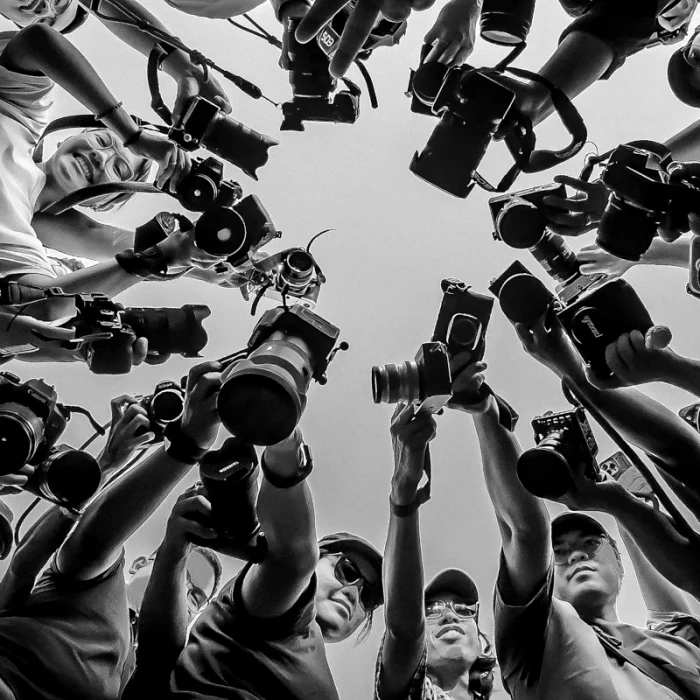
Traceability from the camera to the file broadcast.
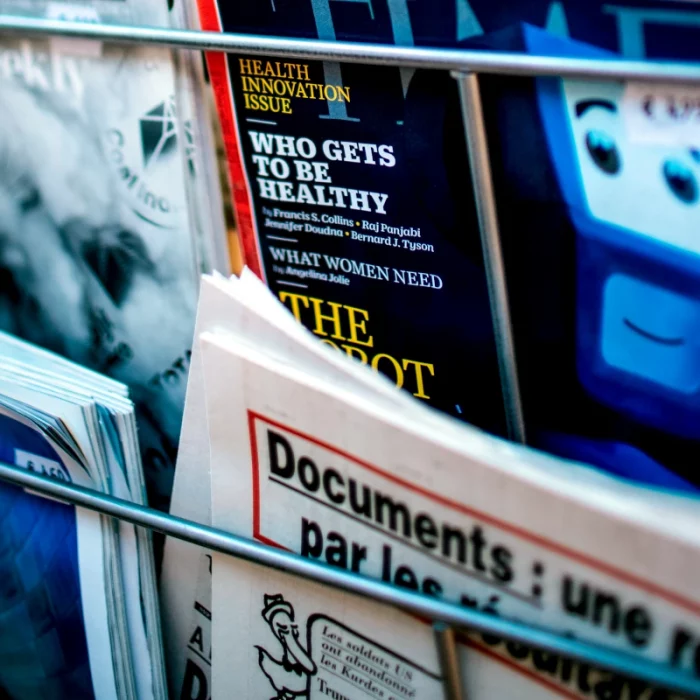
Why make the origin of an image verifiable?